agent toto
An interface for launching, watching and trusting an AI device-testing agent that works on real devices
introduction
An AI agent can carry out tasks on real devices without anyone holding the phone: provisioning a device, then capturing screenshots for marketing content or to validate a bug. It works best when people can start a run in seconds, understand what happened afterwards and share it with others. I designed and built that interface.
- ProvisionGet a device ready for the task.
- RunThe agent works through the task on the device.
- ReportScreenshots and a written outcome come back.
problem statement
The agent could already do the work. What it needed was an interface that made runs quick to start, easy to follow and simple to trust. Engineering and marketing wanted the same things: a clear way to choose a task and a device, see progress at a glance, and judge a result, such as a screenshot, without watching it happen.
my role
UX designer and front-end developer. I defined the flows, designed the screens, then implemented them in code, so design decisions were tested in the real product rather than only in a prototype. Over the project I merged 45 pull requests.
research and analysis
The users were engineers, testers and marketers who knew their own work well. I watched how they launched runs, asked what they looked for first in a finished run, and noted the questions that came up most often.
design decisions
launching a run
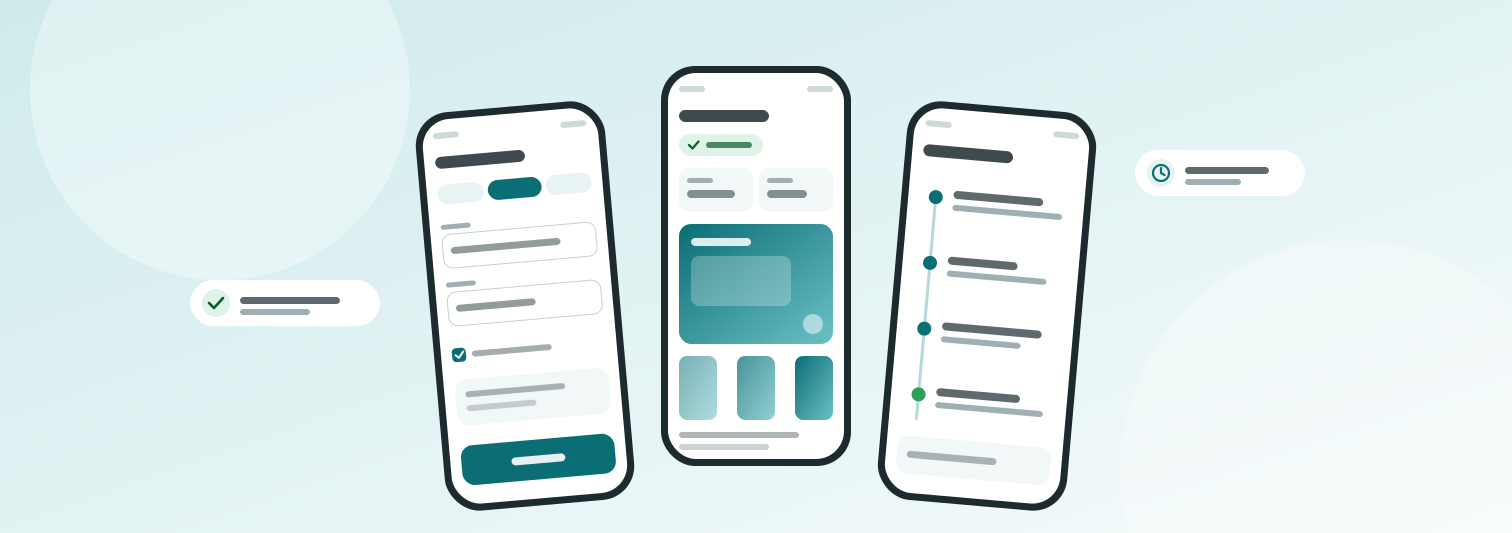
Different kinds of tasks need different inputs, so the launch dialog uses tabs per task type instead of one long form. Device choice sits next to the task, and values people reuse are remembered. A repeat run takes a couple of clicks.
reading a result
A finished run opens on a summary, not a log. Facts such as status, device and duration sit in compact cards, and the agent's written outcome is rendered as readable text, with the screenshots alongside. The raw detail is still there, one step deeper.
seeing every step
A timeline lays out each input the agent sent to the device and what the device returned, in order. When a result looks off, you can follow the agent's path instead of guessing.
finding and sharing past runs
Runs pile up quickly, so the list can be filtered by the things people actually remember, such as who started it and what it was for. A run can be shared with a teammate, so a result becomes something to discuss instead of something to screenshot.
accessible and responsive by default
Text and status colours meet AA contrast, status is never shown by colour alone, controls have 44px targets and the layouts work from a narrow window up to a wide monitor.
results and impact
Over 800 runs and about 600 device hours went through the interface. Because the agent provisions devices and captures screenshots on its own, it cut the active engineering and marketing hours spent on content shots and bug validation. People launched runs themselves, and shared results made follow-up conversations easier.
reflection and future recommendations
People trust a result more when they can follow how it got there, which is why the timeline is front and center. I'd also put the launch flow in front of first-timers sooner, because once you know a tool well, it's hard to spot what trips up someone new.
interactive prototype
Click through a rebuilt version of the interface, with sample data only.
Open the prototypeWant to talk about this project?
Let's talk about Agent Toto (email me)